Eight new free calculators, now 33 tools and easier to find
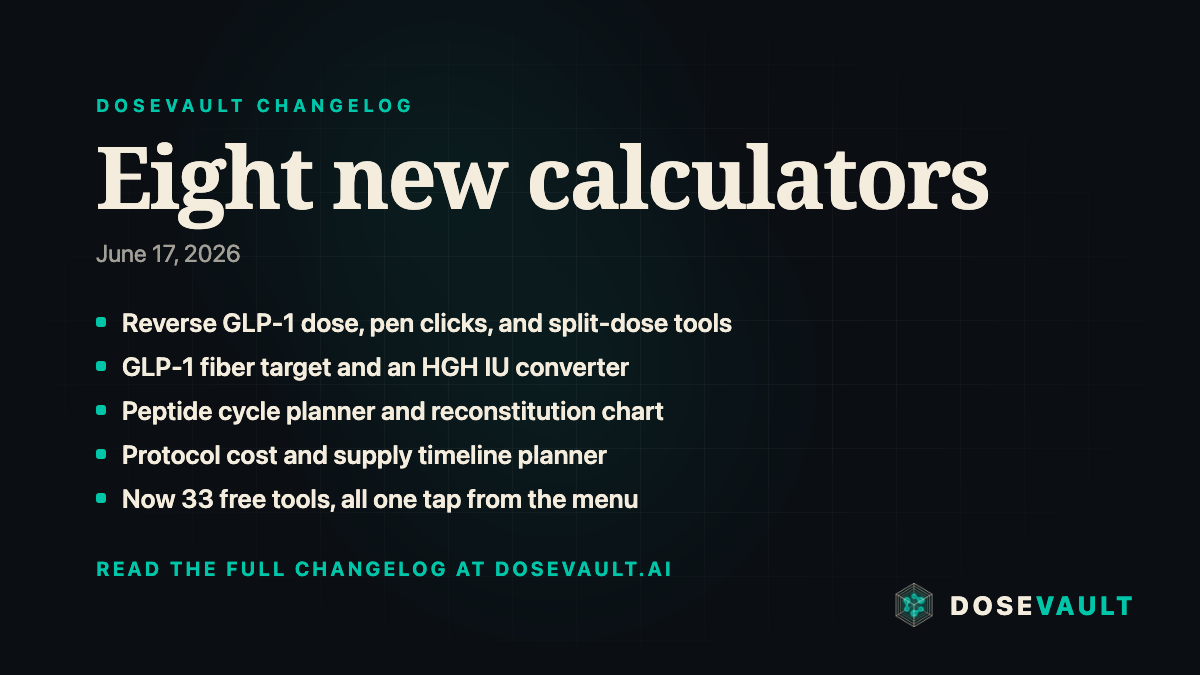
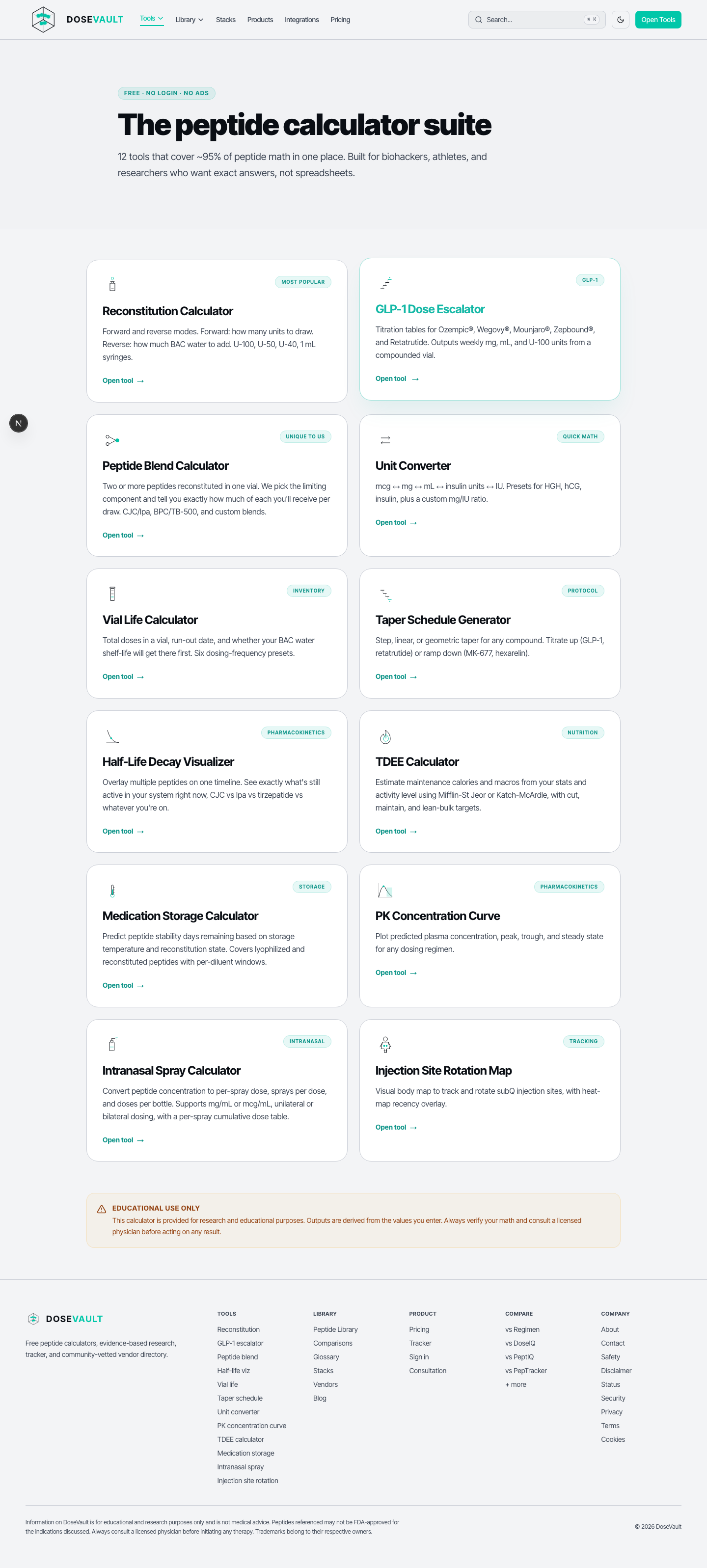
Eight new free calculators just landed. That brings DoseVault to 33 free tools, and the newest ones are now built right into the menu so they are easy to find. Most of them help with the everyday math of a GLP-1 or peptide routine: working backward from syringe units, planning a cycle, or seeing what a protocol will cost before you start.
Eight new calculators
Here is what is new, all free and with no login:
Reverse GLP-1 Dose Calculator turns syringe units back into milligrams and micrograms for compounded GLP-1 peptides.
Every new tool now shows up where you would expect it: in the Tools menu at the top of the site, on the tools page, and in the lineup on the home page. No more hunting for a link. We also tidied up our privacy and legal pages so they clearly describe the free site and tools.
See them in action
Each calculator ships with a short explainer. Click any clip below to play it.
A bigger Library, a more connected glossary, and faster GLP-1 tools
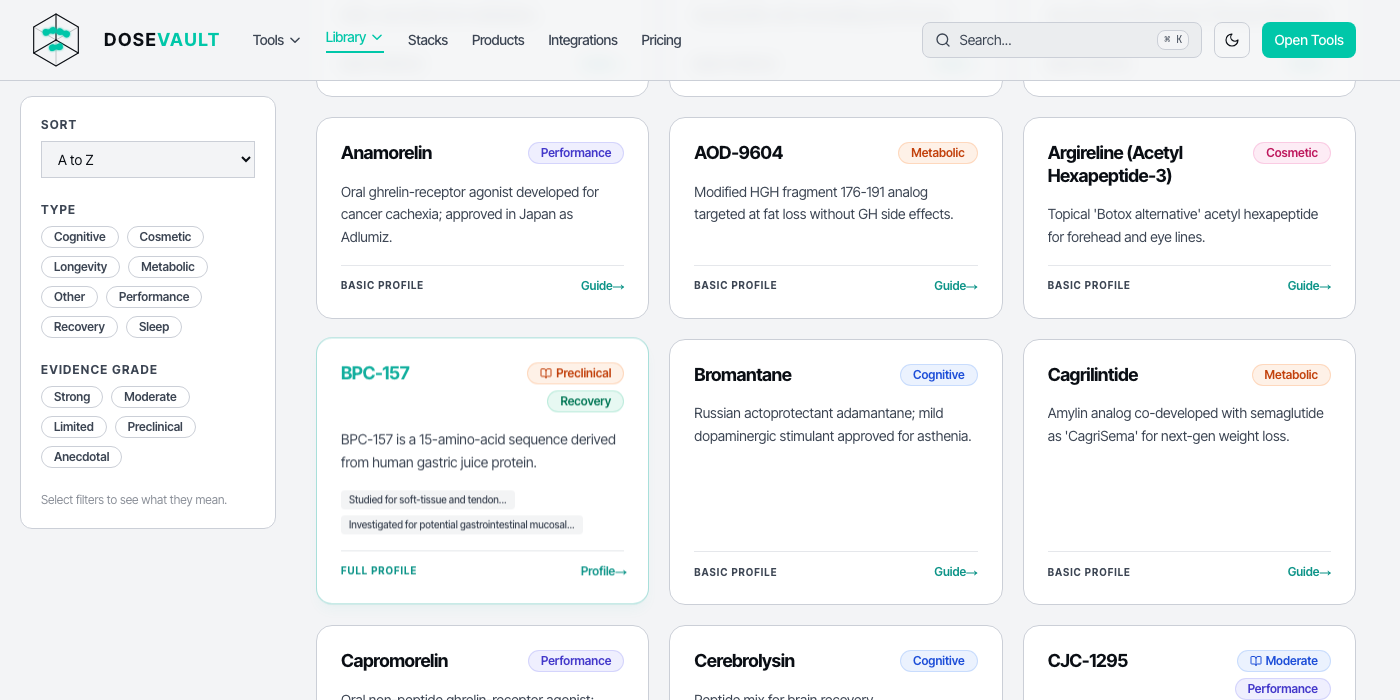
The Library now covers peptides, hormones, and small molecules. Tap a filter to show just the type you want.
The Library just got a lot bigger. It used to cover peptides only. Now it includes hormones and small molecules too, with a quick filter so you can show just the type you care about. Every glossary term now links to related terms, and all of our GLP-1 tools are one tap away.
A bigger Library
The Library used to be peptides only. Now it covers three kinds of compounds in one place: peptides, hormones, and small molecules. A simple filter at the top lets you show just the kind you want, so you spend less time scrolling and more time finding what you came for. Any links you have already saved still work.
A glossary that connects the dots
Every term in our glossary now points you to related terms, so one definition leads naturally to the next instead of stopping at a dead end. And when a glossary word turns up in an article or a tool, you can tap it to jump straight to the full explanation.
Every GLP-1 tool in one place
All of our GLP-1 calculators now live in one easy-to-find spot. Reach them straight from the Tools menu on your phone or computer, or from a new shortcut on the tools page. Dose timing, switching between vials, protein and water targets, and cost per pound are all together in one place.
June 15, 2026 Part 2: nine new free calculators, each with a guided tour and explainer video
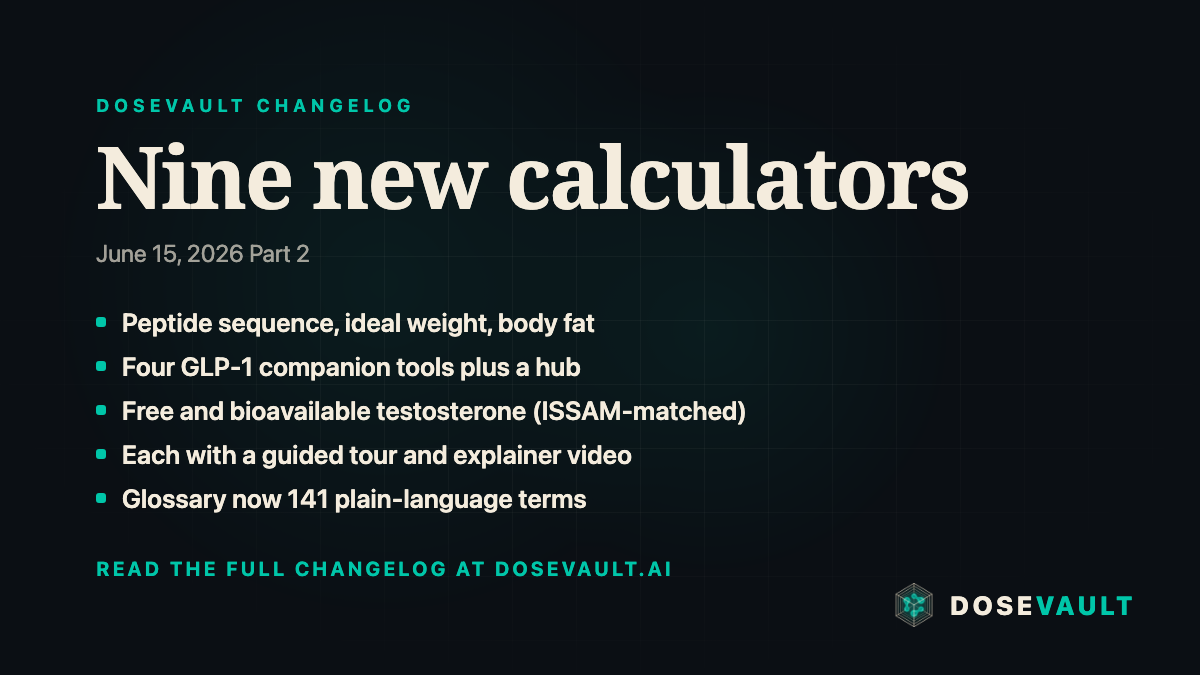
Nine new free calculators landed, bringing the total to 25. Each one ships with an onboarding tour and a short explainer video, and the glossary grew to 141 terms with a hover quick-definition on every term.
Chemistry and labs
Peptide Sequence Property Calculator. Paste a one-letter amino-acid sequence and get molecular weight, theoretical pI, net charge across pH, GRAVY hydropathy, and the 280 nm extinction coefficient, all from standard reference data.
Sequence in, molecular properties out
Free & Bioavailable Testosterone Calculator. Estimate free and bioavailable testosterone from total T, SHBG, and albumin using the Vermeulen equation. It is tuned to reproduce the ISSAM calculator. Educational lab interpretation, not a diagnosis.
Free and bioavailable T from your labs
Body composition
Ideal Weight Calculator gives the Devine, Robinson, Miller, and Hamwi estimates plus the healthy BMI weight range, and the Body Fat Percentage Estimator pairs the US Navy circumference method with a BMI-based estimate. Both are educational estimates, not targets.
Ideal weight across four formulasBody fat from tape measurements
Same dose, new vial concentrationA daily protein targetA daily hydration estimateCost per pound and per kilogramEvery GLP-1 tool in one place
Tours on every new tool
Every one of these calculators now opens with a short guided tour that highlights each input and explains what it does, dismissible and remembered per browser, the same pattern as the rest of the tools.
A deeper glossary
The glossary now holds 141 plain-language terms, adding the mechanism, hormone, and anatomy vocabulary that shows up on compound pages. The first time any term appears on a profile, it underlines and pops a quick definition on hover, with a tap through to the full entry.
A deeper library: 100+ compounds, labs to monitor, WADA status, and goal guides
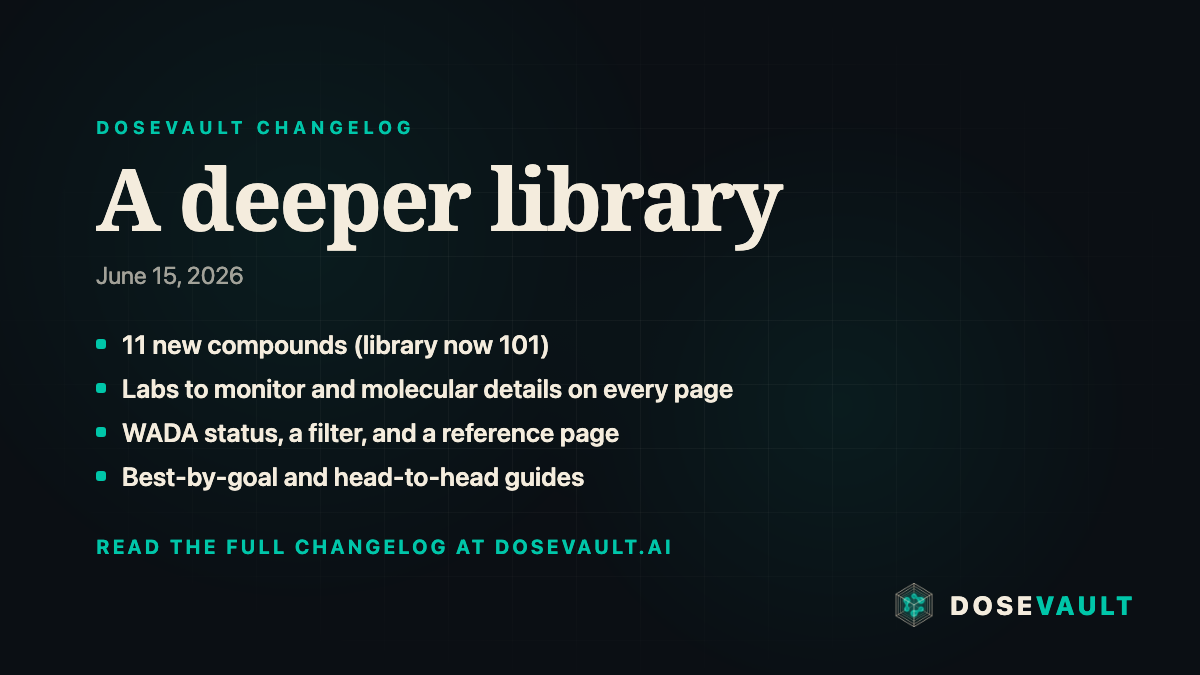
The peptide library got a major depth and breadth upgrade. Eleven new compounds, richer data on every profile, sport-compliance surfaced throughout, and new ways to navigate it all.
Eleven new compounds
The library now covers 101 compounds, adding Gonadorelin, HCG, Dihexa, CagriSema, Teduglutide, SLU-PP-332, Oxytocin, ARA-290 (Cibinetide), VIP, Adipotide, and Thymulin. Each is grounded in primary sources with honest evidence grading. Where the evidence is weak or mixed, we say so: the oxytocin sexual-function data and the aviptadil COVID trial are noted where the primary endpoint was not met, and Dihexa's retracted mechanism paper is flagged on its page.
Richer data on every profile
Compound pages now surface, where available:
Labs to monitor. The bloodwork worth tracking alongside a compound, such as IGF-1 for GH peptides, or HbA1c, glucose, and ApoB for GLP-1s. It is educational context, not a testing mandate.
Molecular details. CAS number, molecular weight, and amino-acid sequence, sourced from PubChem and UniProt.
Storage and reconstitution guidance, plus onset and duration notes that complement the half-life.
Molecular details, storage and onset, and labs to monitor on every profile
WADA sport-compliance, surfaced everywhere
Every library card and compound page now shows a WADA status indicator, with a tooltip for the WADA category, notes, last-reviewed date, and source. A new WADA Status filter on the library narrows to Prohibited, Possibly Restricted, or Permitted, and a dedicated WADA reference page lists every compound with its status, the date last reviewed, and a primary source. All WADA listings carry an athlete-responsibility note: this is educational, and athletes are responsible for confirming their own compliance.
WADA status on every profile, a library filter, and a reference page
New ways to navigate the library
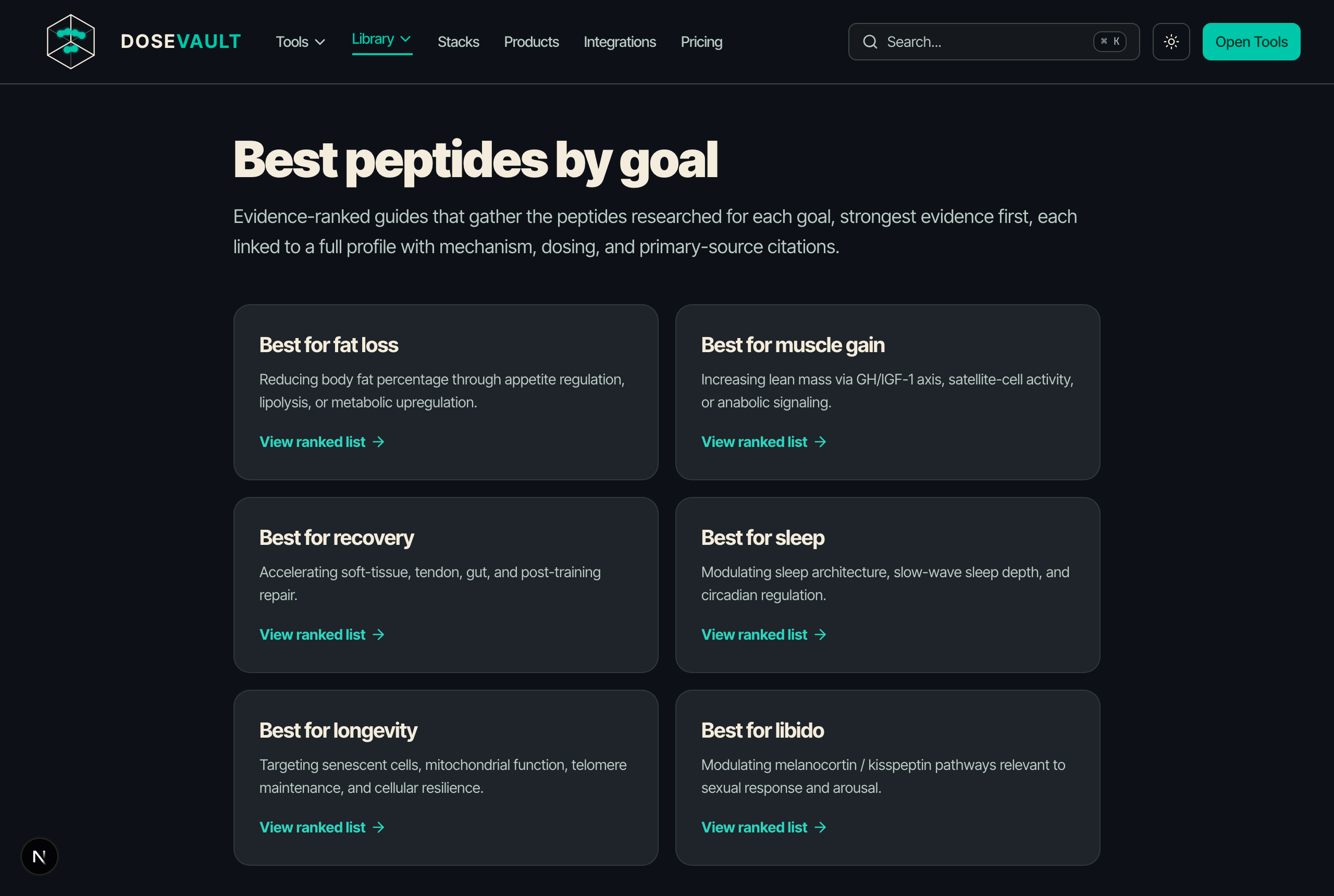
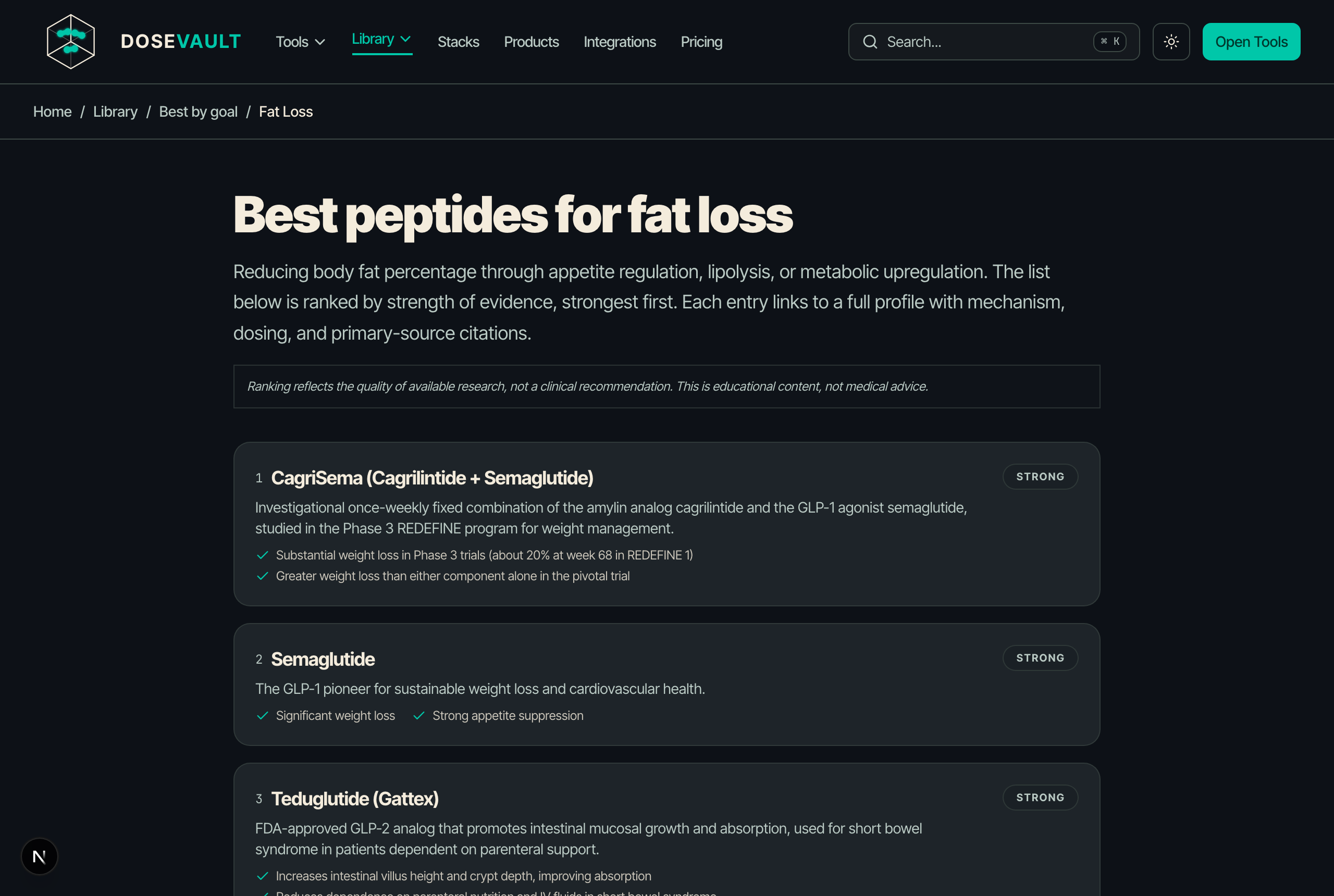
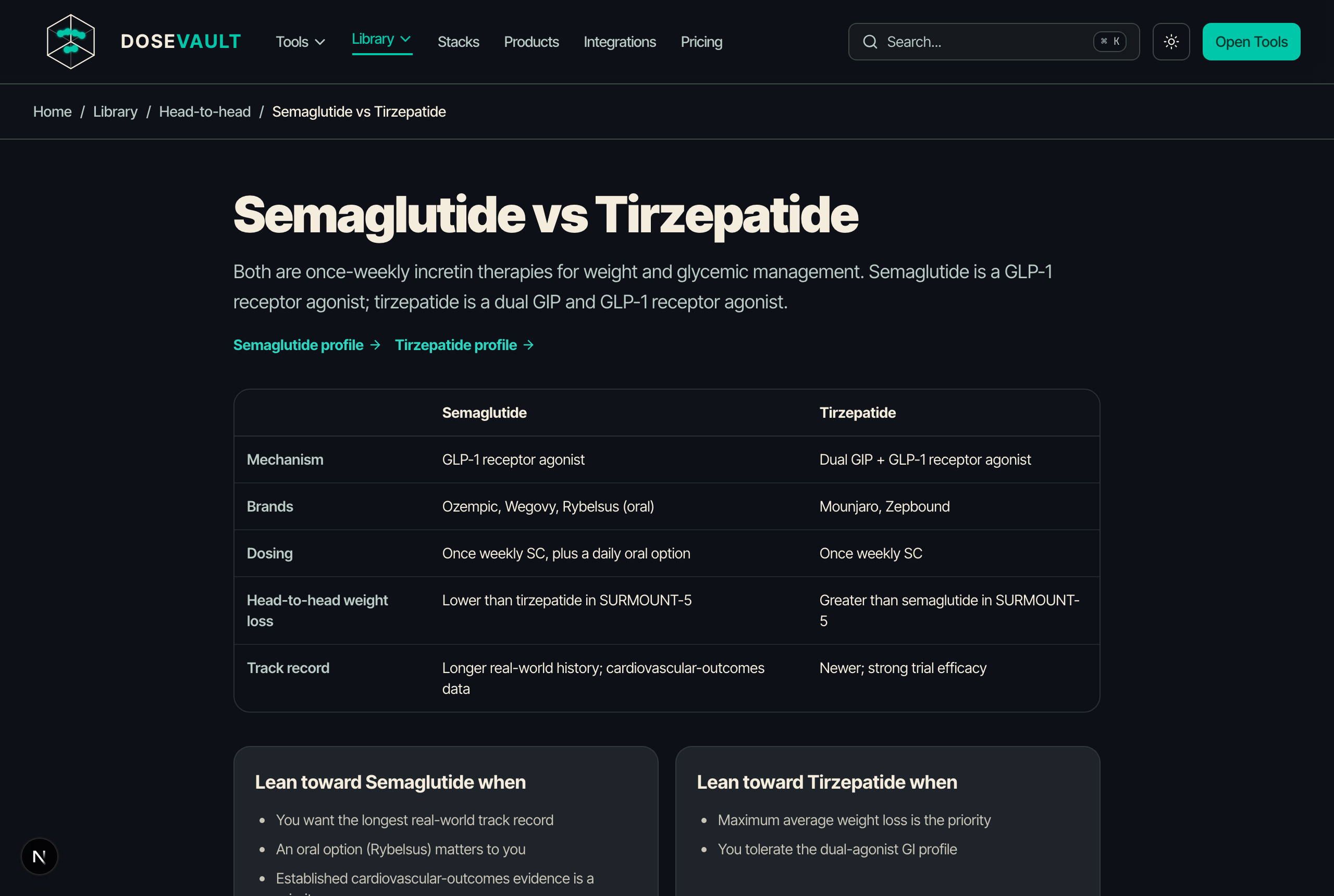
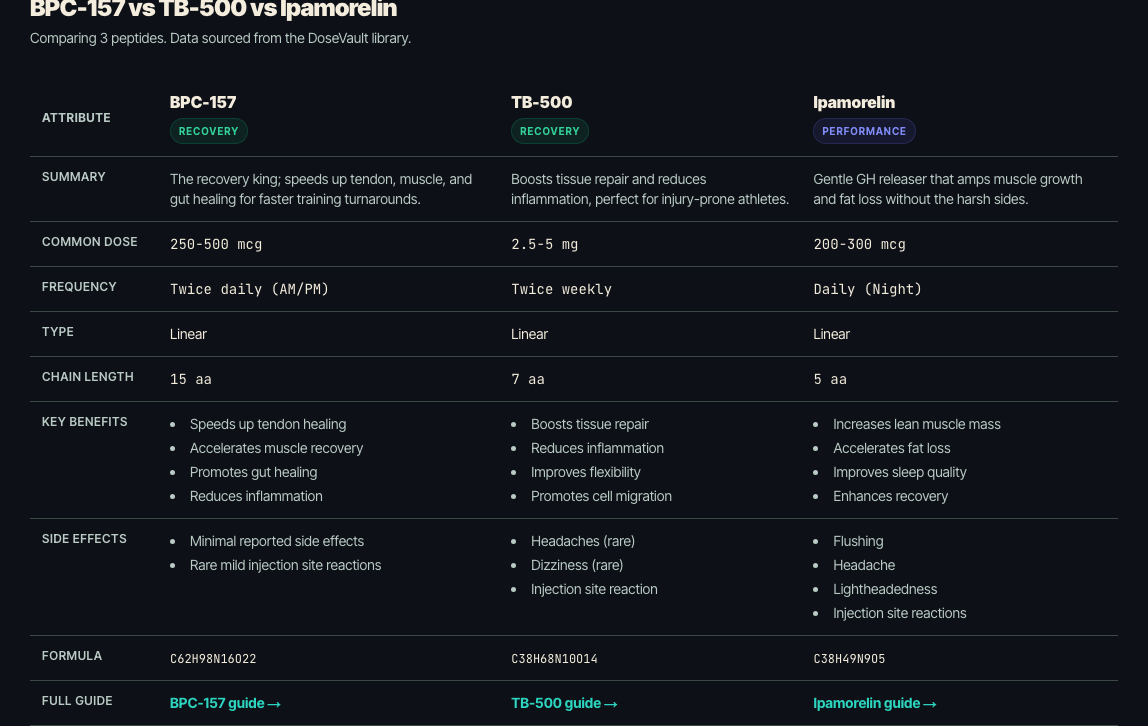
Best peptides by goal gathers evidence-ranked guides for fat loss, muscle gain, recovery, sleep, longevity, and libido. Head-to-head comparisons break down the most-asked matchups: Semaglutide vs Tirzepatide, BPC-157 vs TB-500, and CJC-1295 vs Ipamorelin. Both are now in the Library menu.
Best peptides by goal: one hub, six evidence-ranked guidesEach guide ranks compounds by strength of evidence, with primary sourcesHead-to-head comparisons break down the most-asked matchups side by side
Pricing
The pricing page now reflects the DoseVault model: a free tier plus a single Premium tier launching with the app.
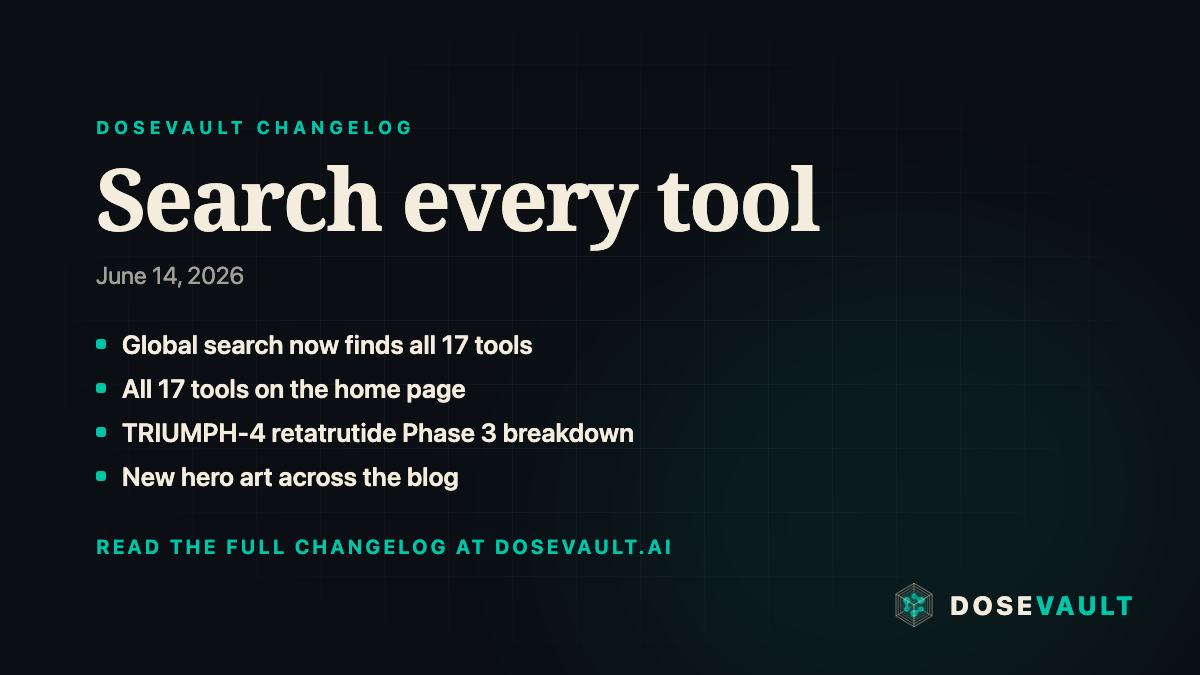
Search reaches every tool, a TRIUMPH-4 Phase 3 breakdown, and a fresh look for the blog
Everything is easier to find, and there is a new Phase 3 trial breakdown to read. Search now reaches every tool, the home page shows the full lineup, and the blog has a fresh look.
The tools carousel on the home page was missing the five newest calculators. It now carries the full lineup, so you can reach any tool straight from the landing page. Browse them all on the tools index.
New: TRIUMPH-4 retatrutide breakdown
A plain-language walkthrough of TRIUMPH-4 (NCT05931367), the Phase 3 trial of retatrutide in people with obesity or overweight plus knee osteoarthritis. It covers the design, endpoints, timeline, and December 2025 topline results, with three branded infographics you can click to expand. It is linked from the retatrutide titration calculator.
A fresh look across the blog
Every blog post now carries new custom hero artwork for a cleaner, more consistent reading experience across the blog.
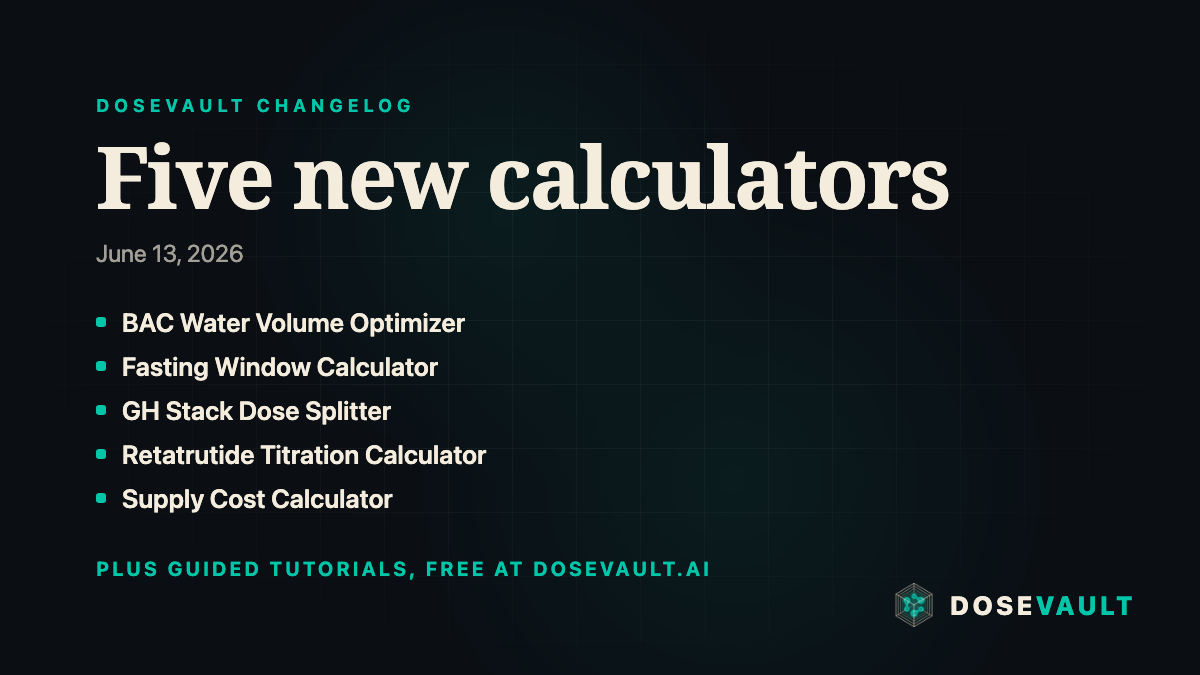
Five new calculators: BAC water optimizer, fasting window, GH stack splitter, retatrutide titration, and supply cost
Five new calculators just landed. Each one targets a specific gap in protocol planning, from reconstitution math to true cost per dose. Every tool ships with a guided tutorial and is marked with a New badge across the site. Short explainer videos for each are embedded below.
Five new calculators
BAC Water Volume Optimizer. Reconstitution math, in reverse. The BAC water optimizer scans candidate reconstitution volumes and ranks them by how cleanly your draw lands on a labeled syringe mark, so you stop interpolating between tick lines at injection time.
How much bac water do you actually add? Get a dose that lands on a real mark.
Fasting Window Calculator. The fasting window calculator takes your planned injection time and pre-dose and post-dose offsets, then lays out your full fasting window for GH-axis peptides at a glance. No more counting minutes in your head.
When can you actually eat? See your window mapped out, no clock math.
GH Stack Dose Splitter. Blending two peptides in one vial means the mg ratio decides what each draw delivers. The GH stack dose splitter computes the exact mcg of each compound per draw and flags a ratio mismatch before it quietly skews every injection.
More than one peptide in a vial? One draw, the right amounts.
Retatrutide Titration Calculator. Compounded retatrutide ships in varying concentrations, so one misread label changes every draw. The retatrutide titration calculator turns your vial concentration into exact mL and U-100 unit draws for every step of the schedule, with current-week highlighting once you set a start date. Three modes are available. Titrate up follows the Phase 3 TRIUMPH ladder (2, 4, 6, 9, 12 mg over 4-week steps) for a standard ramp. Taper down runs the same ladder in reverse, starting from whichever dose you are currently at and de-escalating one step at a time, so you have a safe, structured exit path if you need to come off the drug. Custom doses lets you define your own start dose, step size, number of steps, and interval, which covers self-experimentation and compounded protocols that fall outside the published ladder.
How fast should you ramp? A week-by-week schedule, so you always know your next dose.
Supply Cost Calculator. Vial price is not dose price. The supply cost calculator turns your vial data and dosing schedule into cost per dose, per week, and per full cycle, with a price sensitivity table that shows how the total shifts as the vial price moves.
How long will this vial really last? Cost per dose and run-out date, with real numbers.
Guided tutorials on every new tool
Each of the five calculators includes an interactive walkthrough that highlights each input and explains what it does. The tour is dismissible and remembered per-browser, so it does not repeat once you have seen it. Look for the How do I use this tool? button at the top of each tool page.
New badges across the site
The five additions carry a New badge in the tools index, the megamenu, and on their own pages, so returning visitors can spot what changed at a glance. Browse them all on the tools index.
Library citations, GLP-1 oral tab, megamenu redesign, and dark-mode default
Live update ticker on the homepage
Library & Glossary
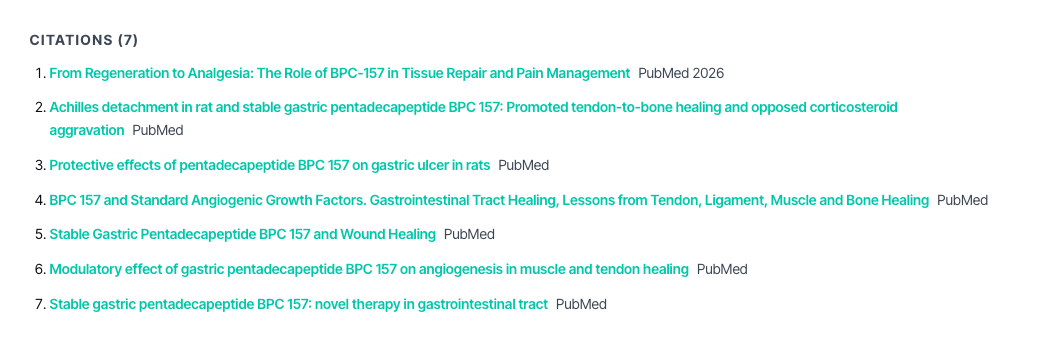
Citations are now surfaced inline. Every peptide page in the library now shows numbered citations pulled directly from the research record. Tap any superscript to jump to the full reference at the bottom of the page, so you can verify claims without leaving the site.
Glossary terms auto-link throughout the library. If a page mentions a term that lives in the glossary, it underlines it and pops a tooltip on hover so you never have to navigate away to look something up. Works on desktop and touch.
Glossary tooltip on hover
Sticky filter sidebar on the peptide index. The category and goal filters on the library now pin to the top of the viewport as you scroll, so you can refine your search at any point in a long list without scrolling back up.
Side-by-side compare matrix. Head to the compare page and pick any two (or more) of the 80+ peptides in the library. You get a full table of half-lives, routes, targets, and citations laid out side by side.
Print stylesheet for every library page.If you want a clean hard copy of a peptide profile, just use your browser's print dialog. Navigation, banners, and UI chrome are all hidden automatically so the printed output is clean reference material.
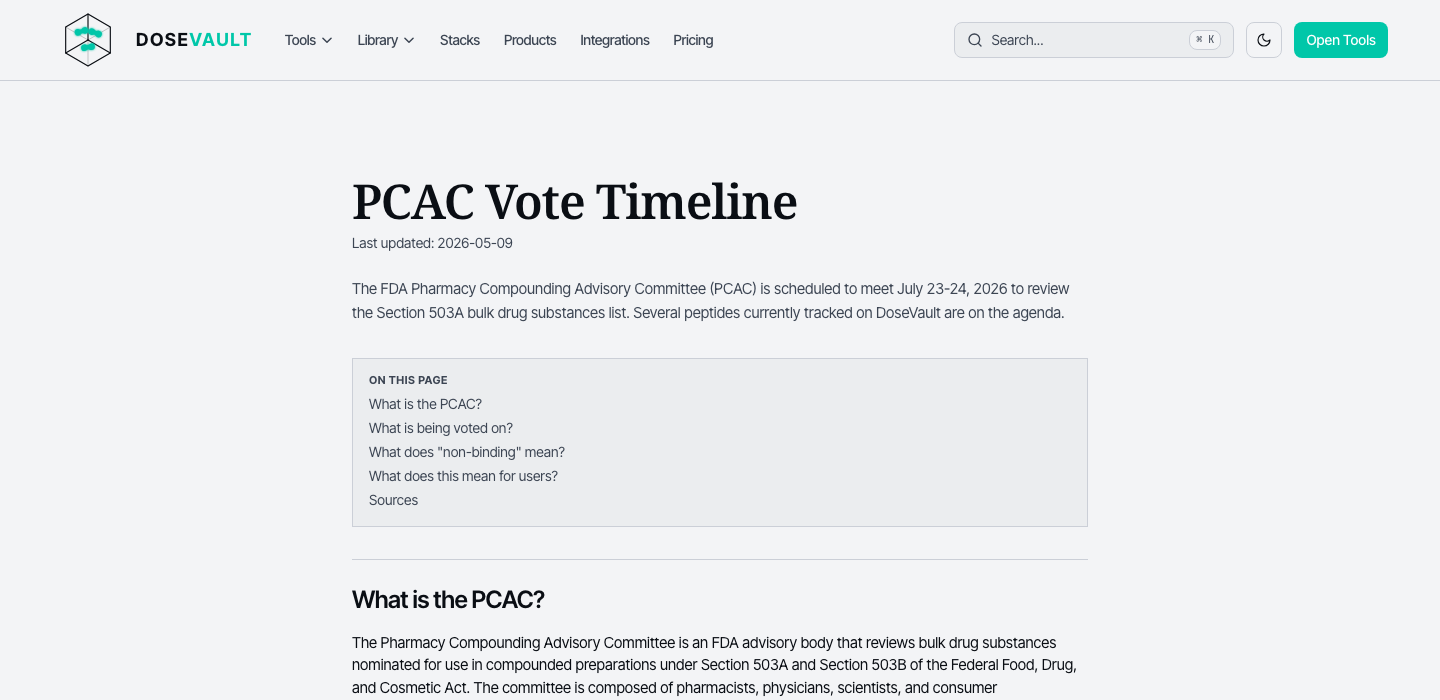
PCAC timeline page is live. The PCAC timeline documents the full regulatory history of the peptide compound advisory committee process so you have a single, citable source for that story.
Calculators & Tools
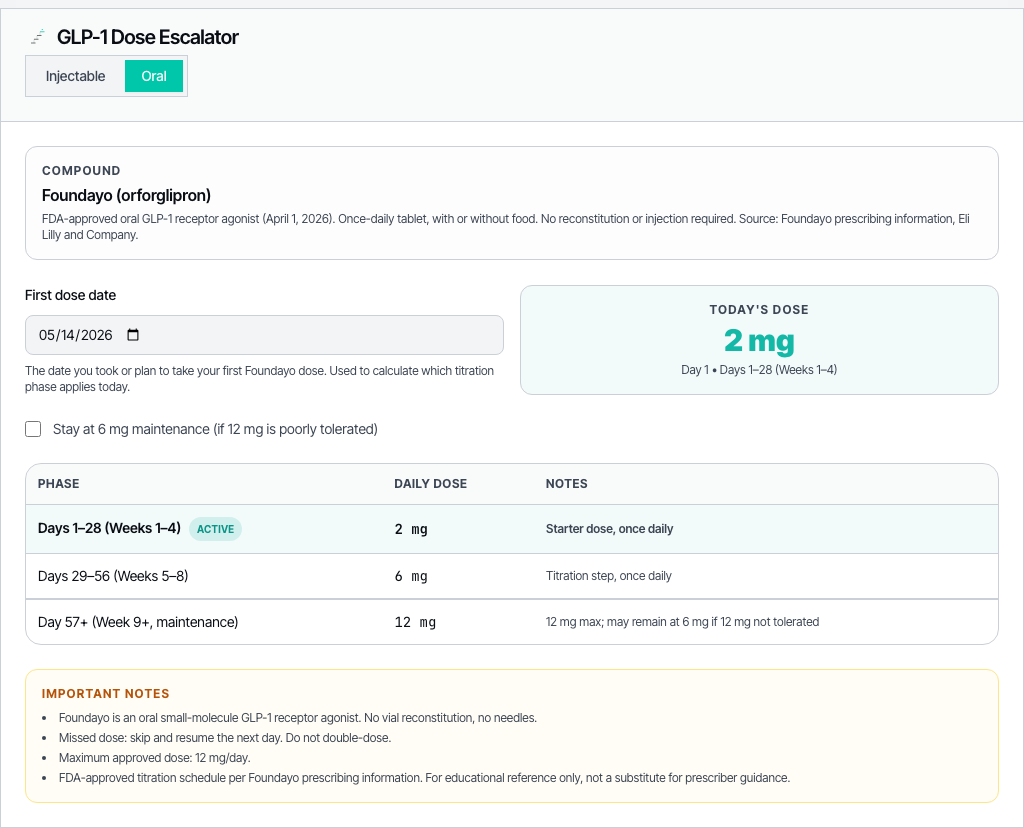
Oral GLP-1 (Foundayo / oral semaglutide) tab is now in the escalator. The GLP-1 dose escalator has a new tab for oral semaglutide alongside subcutaneous Ozempic and Wegovy, with the correct mg-based dose steps and titration schedule.
Start-date picker in the GLP-1 escalator. You can now enter (or pick from a calendar) when you started your current protocol and the escalator will tell you exactly which week and dose you should be on today, rather than making you count manually.
Start-date picker in the GLP-1 escalator
Interactive tutorial tours on the taper schedule and other complex tools.First-time visitors get a short guided walkthrough that highlights each input and explains what it does. The tour is dismissible and remembered per-browser so it doesn't repeat once you've seen it.
Tutorial tour on the taper schedule tool
All 12 tools are indexed in one place. The tools index now lists every calculator with a short description and direct link. No more hunting through the nav to remember what's there.
Navigation & UX
Tools megamenu is now a 3-column grid.Hovering “Tools” in the top nav opens a panel that lays all 12 calculators out in three columns with icons and one-line descriptions, so you can jump straight to what you need.
3-column tools megamenu on hover
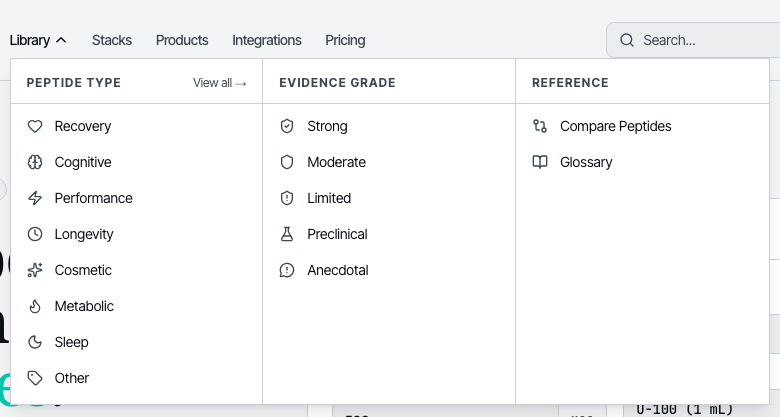
“View all” in the library megamenu.The library dropdown now has a “View all peptides” shortcut that takes you straight to the full index, useful when you want to browse rather than jump to a specific compound.
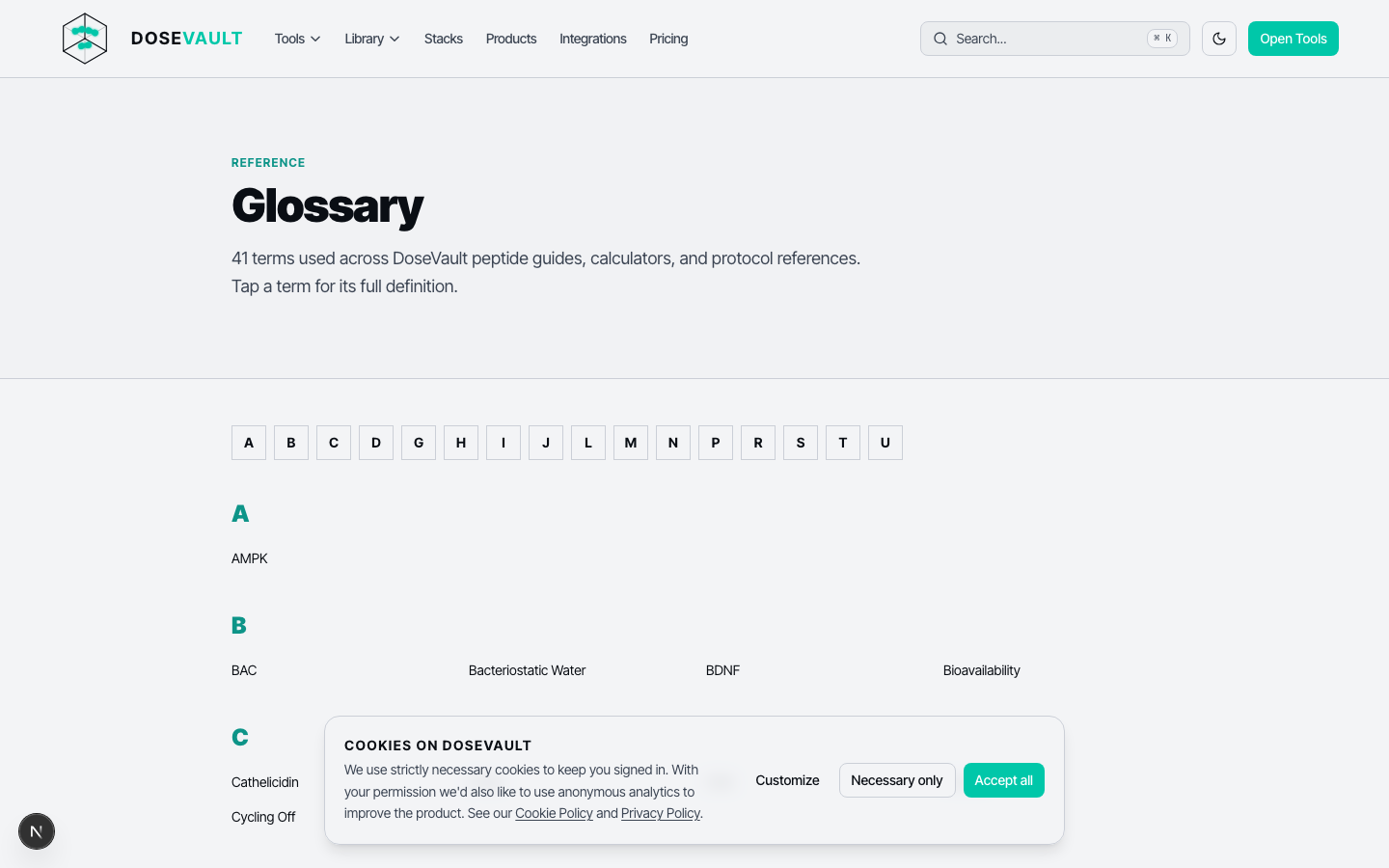
Glossary index page. The glossary now has an A-Z index at the top so you can jump directly to any letter instead of scrolling past entries you're not looking for.
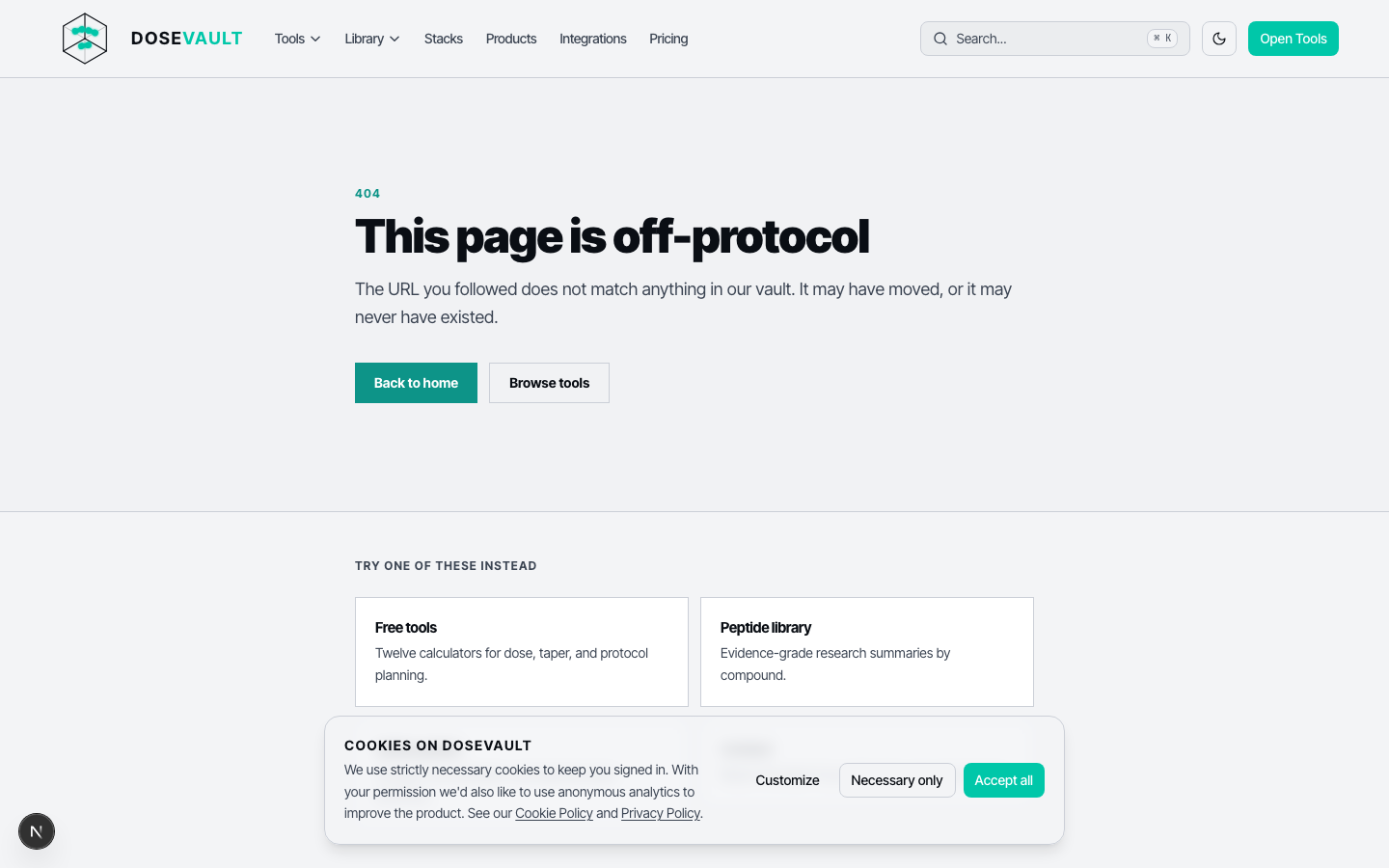
Custom 404 page.If you land on a URL that doesn't exist you now get a branded error page with links back to the library, tools, and home instead of a plain browser error.
Visual & Theme
Dark mode is now the default, and light mode has improved contrast. The site launches in dark mode for new visitors, matching what most of you had already switched to manually. The light theme has also had a contrast pass: text-on-background ratios are higher throughout, and the primary accent color was tweaked to stay accessible at smaller sizes.
Theme toggle between dark and light mode
Cookies on DoseVault
We use strictly necessary cookies to keep you signed in. With your permission we'd also like to use anonymous analytics to improve the product. See our Cookie Policy and Privacy Policy.